
Tech Support- How to enable and set up WiFi function in IR915L
-

-
Admin 这家伙很懒,还没有设置简介
0 人点赞了该文章 · 4693 浏览
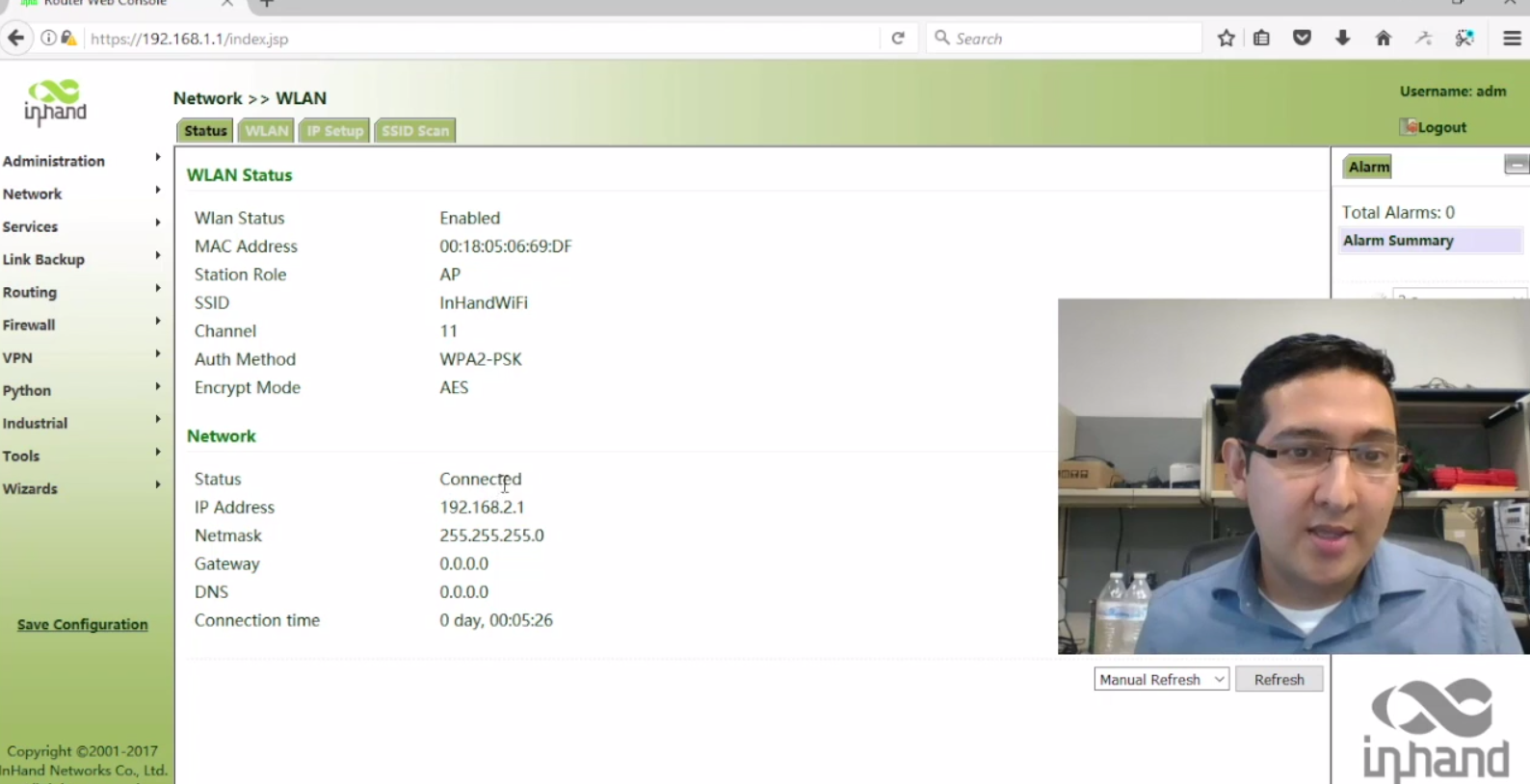
Hello! In this video we are going to learn how to enable WiFi in our InHand IR915L and also how to set up a SSID and password. If you have a question please leave your comment. Thank you so much for watching this video.
 查看视频
How to enable and configure WLAN functions in your IR915L:
1) Login in the router's administration page
2) Select NETWORK and then WLAN
3) Click in the WLAN tab
4) Enable this function by pressing the checkbox
5) Change (if you wish) the SSID and the password
6) Verify the WLAN led light in your router
7) Ready Best Regards.
Jorge Mercado Technical Support Engineer InHand Networks email / skype: jorge.mercado@inhandnetworks.com http://www.inhandnetworks.com
查看视频
How to enable and configure WLAN functions in your IR915L:
1) Login in the router's administration page
2) Select NETWORK and then WLAN
3) Click in the WLAN tab
4) Enable this function by pressing the checkbox
5) Change (if you wish) the SSID and the password
6) Verify the WLAN led light in your router
7) Ready Best Regards.
Jorge Mercado Technical Support Engineer InHand Networks email / skype: jorge.mercado@inhandnetworks.com http://www.inhandnetworks.com


全部 0条评论